For you who use the app
Guides
Step by step through what most people ask about. Find your guide below, or search for what is bothering you.
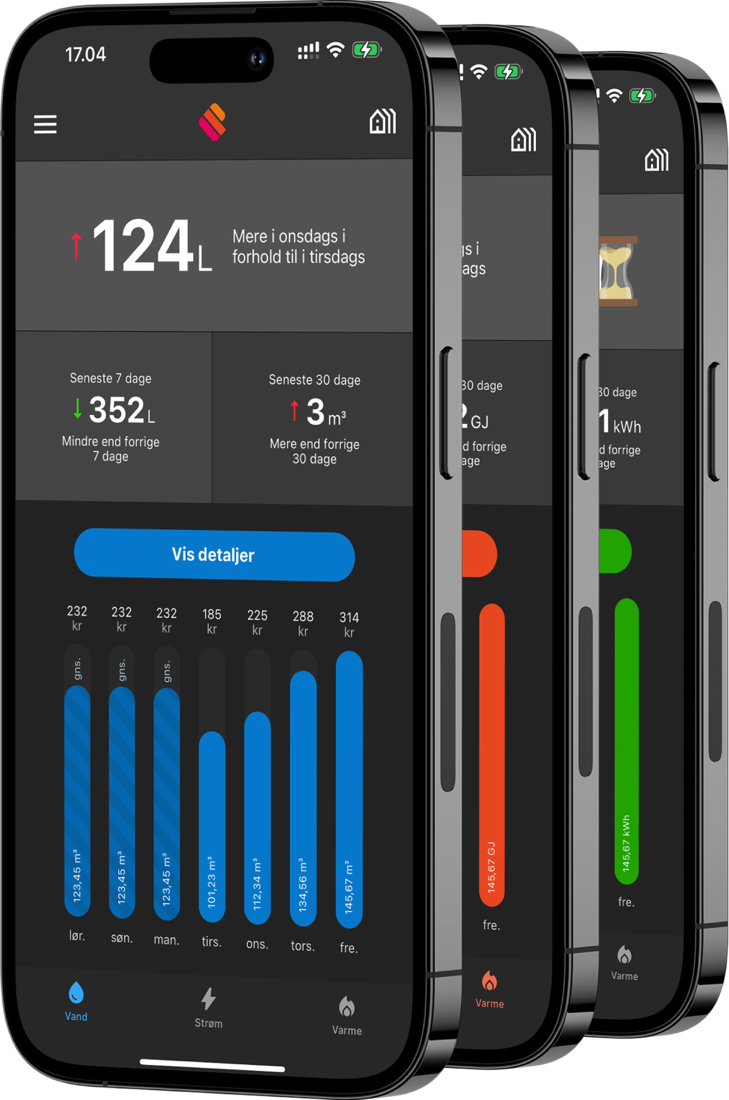
Get started in three steps
It can take up to a week before you can see your consumption. It depends on when your waterworks has updated its system with the new meter.


- Download the “Meterportal” appUsing the QR code from your waterworks, the App Store or Google Play.
- Log in with MitIDOr enter your email address and follow the instructions on screen.
- See your addressIf you log in with MitID, your addresses are added automatically. Otherwise, add the address using the details from your utility.
Search for a word, or describe what is not working.
Add your address
Using the app
Your account
Not working?
Write to us at info@meterportal.eu and we will help you.